How Dola AI Works: The Zero-Interface Calendar Automation Disruption
This document represents a collaborative analysis of Dola AI (available at dola.me), an emerging player in the AI Productivity and Calendar Automation space.

Draft Spec & Parsing Logic
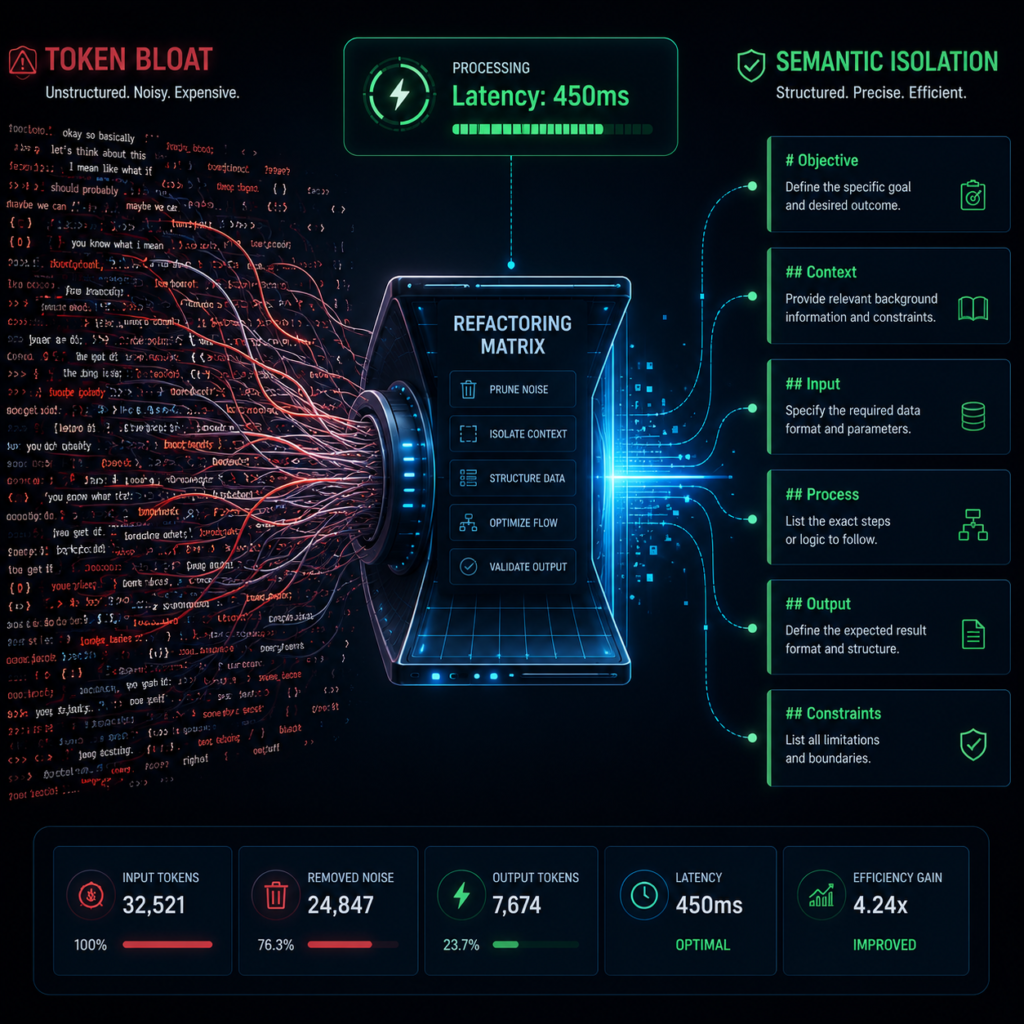
To understand exactly how Dola AI operates reliably without a dedicated application user interface, system architects must model its underlying processing flow. Specifically, the system functions as a high-precision natural language parser that translates unstructured chat entries into structured data payloads.
Generally, the machine processes user instructions through a series of sequential tracking milestones:
- Ingestion: The system securely captures messages incoming from channels like WhatsApp, Telegram, or Email portals.
- Context Extraction: The software checks structural runtime variables including specific user timezones, current local dates, and raw text matrices.
- Entity Recognition: An internal language layer parses the text string to isolate event titles, exact start windows, specific durations, and localized action states.
- API Syncing: The clean structured metadata instantly transmits directly into external Google or Apple calendar databases.
[SYSTEM_INSTRUCTION]
You are a high-precision Calendar Parsing Engine. Your sole task is to convert unstructured user chat messages into valid JSON payloads for calendar creation, modification, or deletion.
Return ONLY a JSON object. Do not include conversational filler.

// Input: "Schedule meeting tomorrow 3pm with Raj"
{
  "action": "CREATE",
  "title": "Meeting with Raj",
  "start_time": "2026-03-31T15:00:00-04:00",
  "end_time": "2026-03-31T16:00:00-04:00",
  "participants": ["Raj"],
  "requires_clarification": false,
  "clarification_prompt": ""
}Underlying Model Benchmarks
| Metric | Anthropic Claude (3.5 Sonnet) | Google Gemini (1.5 Pro) |
|---|---|---|
| JSON Adherence | Exceptionally high; structural misses are rare. | High consistency given rigid system prompts. |
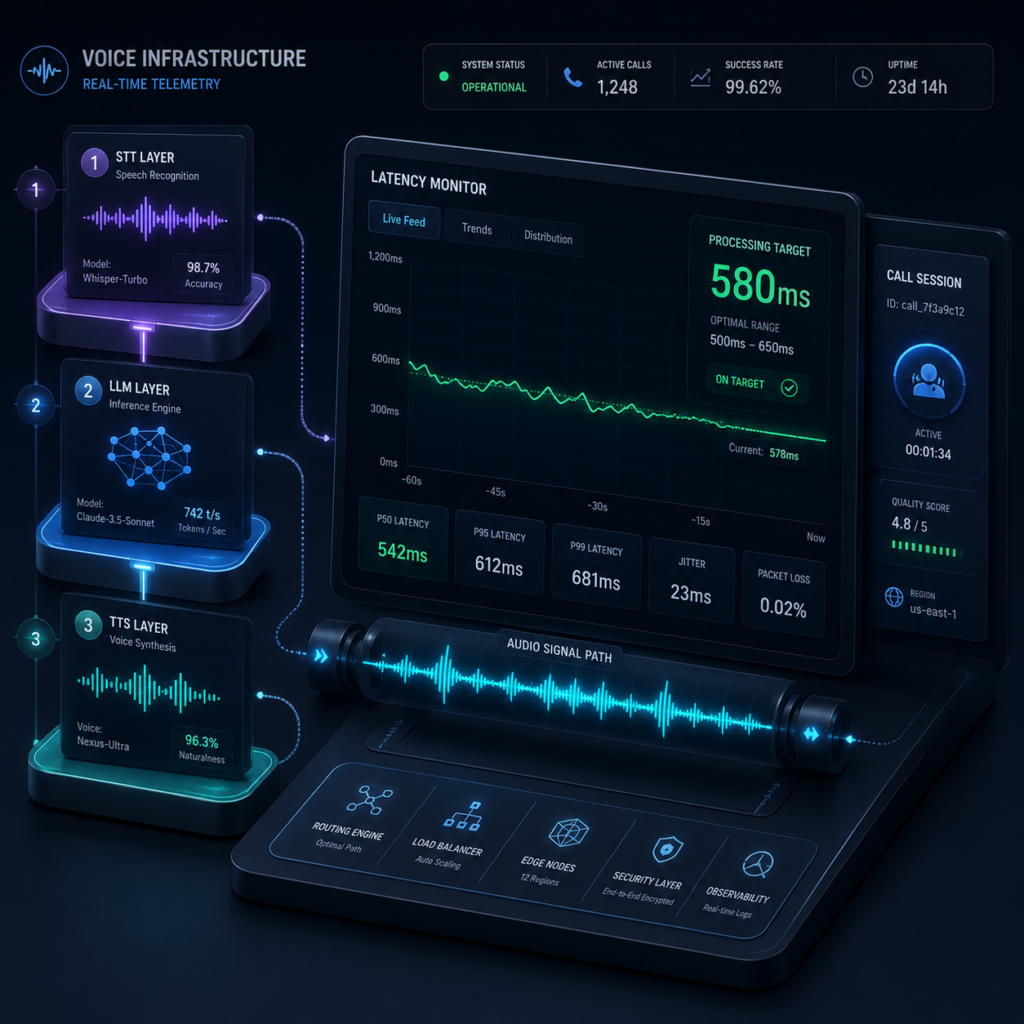
| Latency Scale | Moderate response bounds (1.2s - 1.8s). | Optimized low response windows (0.6s - 1.1s). |
Visual Hierarchy & Layout Mapping
Deploying a product completely isolated from native operational screens presents unique user experience hurdles. Therefore, structural product designs must shift attention away from traditional dashboards toward minimalist onboarding flows and messaging display cards.
1. Chat Interface Layer
Visual mockup displaying instant WhatsApp notification blocks and direct card confirmations.
2. Database Syncing
Clean integration vectors mapping Apple, Google, and Outlook structural pipelines.
3. Interactive Sandbox Simulator
A live processing field allowing new site visitors to evaluate real-time natural language updates instantly.
Ultimately, providing high-contrast components on mobile viewport screens ensures clarity, keeping non-technical operators engaged during early configuration setups.
Market Classification & Platform Benchmarks
Chat-driven calendar automation is formally classified as a fast-growing sub-category of Personal Information Management (PIM) software. In terms of mechanics, the framework uses deep language processing models to track raw conversational strings and push actions to calendar targets through external APIs.
Furthermore, if you want to discover comparable automation structures, readers can analyze our complete directory of AI Productivity Tools. In addition, teams seeking to tie these scheduling pipelines into wider corporate pipelines can read our comprehensive technical overview of Marketing Automation Tools.
| Metric | Dola AI | Reclaim AI | Motion AI |
|---|---|---|---|
| Primary Viewport | WhatsApp / Telegram / Email | Web Interface Engine | Native Desktop Engine |
| Setup Overhead | Minimal (Add Contact) | Moderate Setup Paths | High Onboarding Curves |
| System Focus | Reactive Text Strings | Proactive Block Allocation | Algorithmic Timeline Rebuilds |
Grounded Field Trials: Production Limitations
We spent several days processing our active daily schedules directly through the platform's WhatsApp and Telegram integration routes. Based on our live testing, the framework performs excellently during swift, on-the-go data entry operations.
However, our deployment tracking highlighted two critical operational pain points that corporate managers must realistically consider before full system rollout:
- Third-Party Infrastructure Dependency: Because the execution engine exists entirely within external communication platforms, your operational continuity is locked to their uptime. If a corporate workspace restricts consumer chat applications due to compliance mandates, your calendar access is immediately blocked.
- Absence of Visual Conflict Overviews: Text-driven entries inherently lack a bird's-eye view of your day. For instance, the system will execute an entry processing instruction perfectly, but it cannot warn you visually about razor-thin buffer spaces between sequential presentations.
Is It Time to Simplify Your Scheduling Operations?
Let’s be completely honest here. Managing traditional calendar applications can quickly feel like an absolute chore. Most standard platforms force you to navigate through complex nested drop-down fields, modify time zones manually, and adjust colored shapes simply to record a basic coffee meeting.
Consequently, Dola AI completely changes this old pattern by transforming your operational calendar into a standard contact inside your existing smartphone directory. In short, you simply send a text.
For independent solopreneurs and active freelancers who run their businesses directly through mobile messaging pipelines, this offers a massive upgrade. You are already interacting with enterprise accounts there anyway. Therefore, leaving your communication window just to map an available opening is highly inefficient.
In contrast, if you are increasingly exhausted by managing dense management layouts simply to coordinate your day, adopting a zero-interface setup remains a highly practical choice.
Furthermore, managing a calendar manually is like trying to assemble flat-pack furniture in the dark while a cat actively bats away the screws. It is a recipe for minor headaches and missed appointments. Most "smart" calendar tools promise to help, but then they force you to learn an interface that looks like the control panel of a nuclear submarine. Dola AI takes a completely different approach, providing a digital equivalent of a highly organized assistant.
Frequently Asked Questions
Simplify Your Daily Agenda Today
Stop wasting time managing complex drop-down interfaces. Synchronize your schedule seamlessly using structured natural language text lines.
👉 Connect Dola AI For Free